How to Redeem BlockUp Codes
Prepare for the first real drop — and avoid fake redeem links while Version 1.0 has none confirmed.
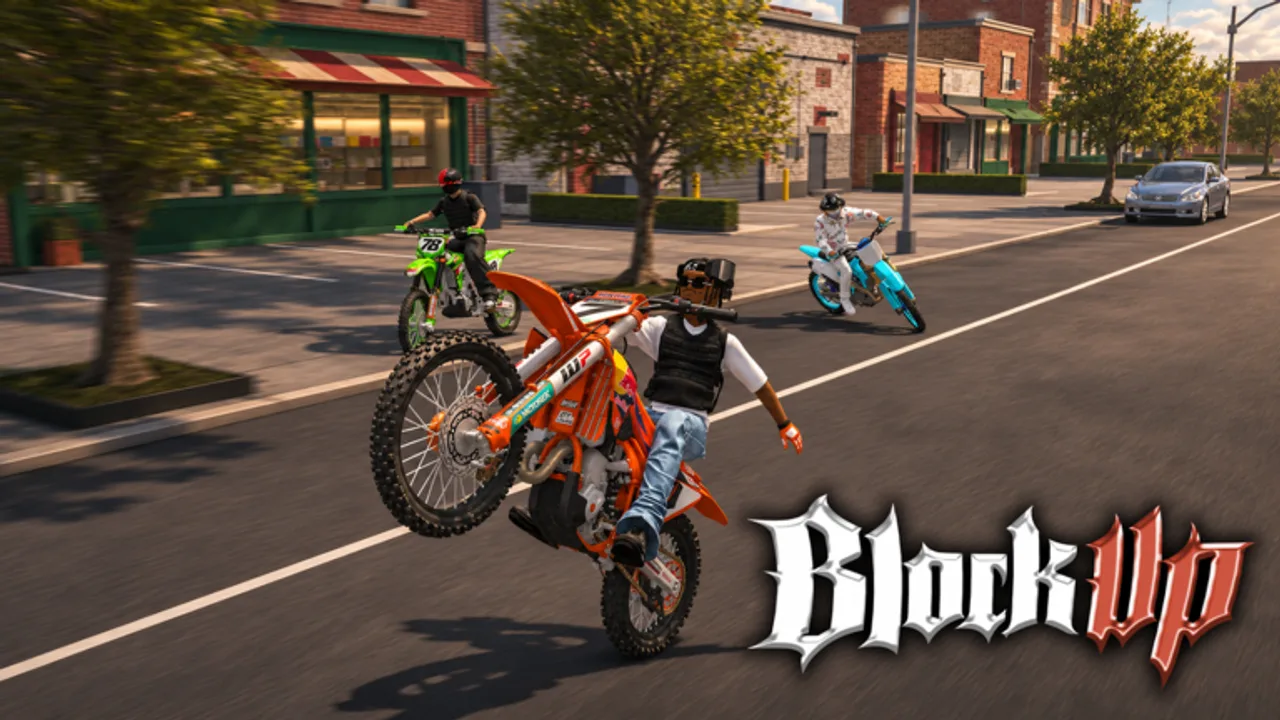
This guide explains how to redeem codes in BlockUp once a verified promo string exists. Right now the Codes Hub shows no confirmed working codes for Version 1.0. Use this page to learn the usual Roblox redeem patterns, stay safe, and know exactly what to do the moment La Bandite ships a real gift.
Before you try anything
- Open only the official experience: BlockUp on Roblox.
- Confirm the code on the Codes Hub or an official La Bandite post — not a random DM.
- Finish basic onboarding from Getting Started so menus and garage access make sense.
- Never paste “codes” into browser URL bars, sketchy redeem sites, or executor windows. That is how phishing and account theft happen. For executor risks, read the Scripts Hub.
Typical redeem flow (when a Codes UI exists)
Many Roblox games add a Codes or Redeem button in the pause menu, shop, or HUD after launch. When BlockUp exposes that panel, expect steps like this:
- Join a public server (max 15 players) and wait until the city loads.
- Open the main menu with the key or gamepad button you use for UI (see Controls).
- Select Codes, Redeem, Gifts, or a similar label.
- Type the code exactly — watch capital letters, numbers, and underscores.
- Press Redeem / Submit and wait for a success toast.
- Check cash, inventory, streetwear, or the garage for the reward.
If the button is missing, do not install third-party “auto redeem” tools. Recheck the Roblox description and this wiki after the next patch on the Updates Hub.
If BlockUp uses description-only drops
Some experiences never ship a codes box and instead tell you to claim rewards another way (group join, badge, or temporary shop item). If that becomes the BlockUp pattern:
- Read the game page description after every Version note such as Version 1.0.
- Follow La Bandite group instructions listed on Official Links.
- Redeem only inside Roblox or the in-game shop — never on a cloned website that asks for your password.
We will update this section with screenshot-level steps when the first verified method is known. Until then, treat any site that asks you to “log in to redeem BlockUp codes” as hostile.
Common redeem errors
| Problem | Likely cause | What to try |
|---|---|---|
| Invalid code | Typo, expired, or fake | Re-copy from Codes Hub; check expired table |
| Already redeemed | One-time per account | Move on; grind with earn money |
| No Codes button | Feature not shipped yet | Wait for patch notes; ignore third-party tools |
| Reward missing | Lag or wrong inventory tab | Rejoin server; check garage and cash HUD |
| Link asks for password | Phishing | Close tab; change password if you typed anything |
Safety checklist
- Official game only — Place ID path under the BlockUp Roblox URL above.
- No password sharing for “code bots.”
- No Discord DMs that demand you run a file to unlock a bike.
- No loadstrings for “free codes” — see Scripts for why we list none.
- Prefer a controller for riding, but redeeming is UI work; keyboard is fine.
What to do while no codes are live
Use the downtime to build real wealth and skill:
- Learn physics tricks in How to Wheelie and practice stoppies, drifts, and burnouts.
- Run deliveries and mechanic loops in Mechanic Jobs and How to Earn Money.
- Tune appearance and parts via Customize Bike and store flex builds with the Garage Guide.
- Pick a role-focused ride from the Best Bikes early-meta list and the wider Tier List Hub.
- Find crews and pose/photo ideas on the Players Hub.
Codes will never replace oil, wash, fuel upkeep, workshop work, or 1v1 wheelie duel practice. Version 1.0’s city loop is built around riding life, not gift strings.
After a code succeeds
- Note the reward type (cash, cosmetic, boost).
- If it is cash, decide between a starter dealership upgrade or workshop spend — Best Bikes helps.
- If it is cosmetic or streetwear, equip it and snap a photo-mode shot for your crew page ideas.
- Report dead codes by comparing against the expired section on Codes after the next update.
FAQ-driven habits
Check this how-to after every major patch. UI labels change. When Version notes mention “codes,” “gifts,” or “promo,” return here first, then the hub table. That keeps your redeem path aligned with live BlockUp instead of outdated blog spam.
Stay patient, stay on official links from the Links Hub, and let freebies be a bonus on top of a garage you actually earned.
Frequently Asked Questions
Quick answers to common BlockUp questions.
Can I redeem BlockUp codes right now?
There are no verified working codes yet, so there is nothing safe to redeem. Follow this guide when the Codes Hub lists a confirmed string.
Where is the Codes button in BlockUp?
A dedicated Codes button is not documented as a stable Version 1.0 feature yet. When it appears, it will usually sit in the main menu or shop UI — we will update these steps.
Is it safe to use third-party redeem websites?
No. Only redeem inside Roblox or the official BlockUp UI. External “redeem” sites often steal passwords.
What should I do if a code fails?
Check spelling, expiry on the Codes Hub, and whether you already claimed it. Then rejoin a server and avoid any tool that claims to force-redeem.